
Private blood testing
How My Test Hub works
Compare private blood tests online, visit the Bluewater clinic and access your report securely when it’s ready.
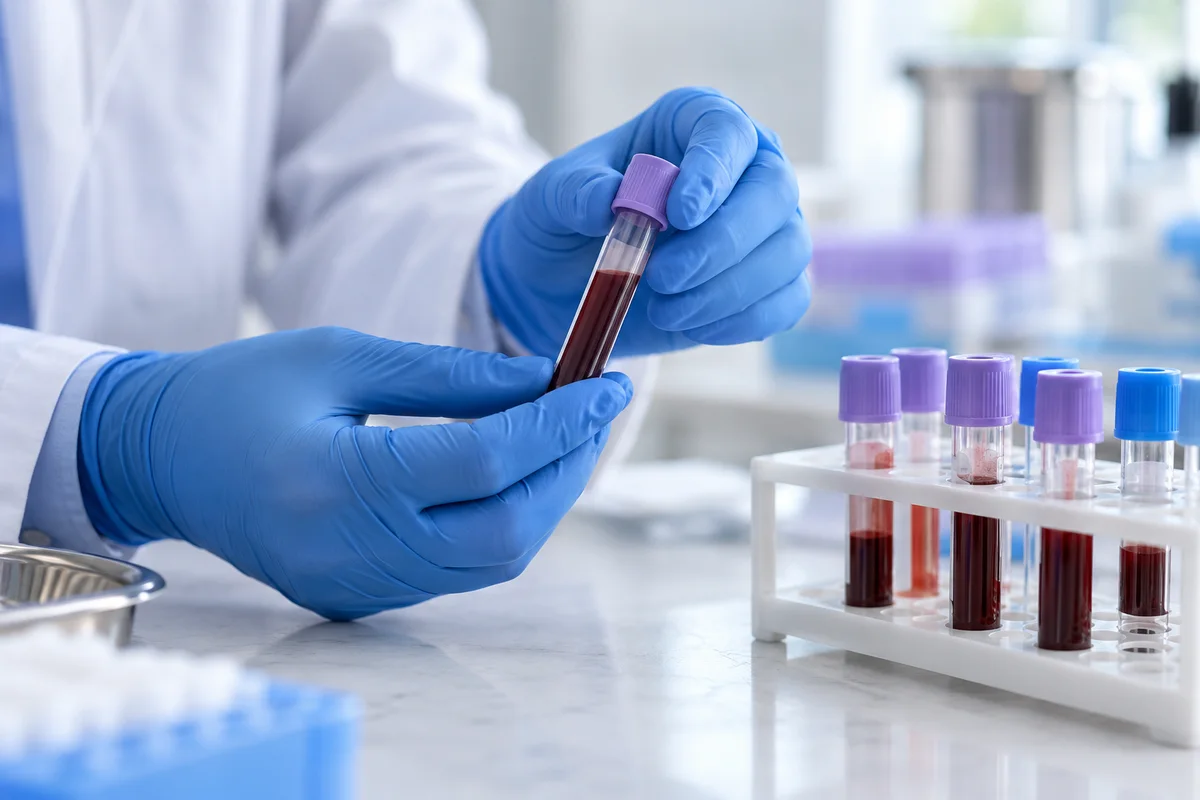
From booking to results
-
Step 1
Choose a test
Check what the panel measures, the sample it needs and its price. Choose a Bluewater appointment through the clinic’s booking service.
Browse blood tests -
Step 2
Visit Bluewater
Follow the preparation instructions in your confirmation and attend your booked appointment. The clinic team will take your sample.
Find the clinic -
Step 3
Open your results
The clinic emails you when your report is ready. View or download it securely and share a copy with your GP if you choose.
View results help
What happens after your visit
When will I receive my results?
The clinic lists a usual reporting window of 2–5 working days for the blood tests in this catalogue. Some measurements may take longer. Check your test page and contact the clinic if you are waiting longer than expected.
Get help with resultsHow do I open my report?
Open the results email or sign in to your MyScanHub account with the email address you used to book. Select Results to find the report for your appointment.
Open your resultsCan I share results with my GP?
You can download your report and share it with your GP using the method your practice recommends. The clinic’s patient account also has sharing tools.
Read the sharing guideChoose your test
Explore the catalogue by health area or individual marker.